Privacy policy for signing visitors is a profile-specific setting. It can be viewed and changed in the Systam Visit web service (RespaManager) by the admin user or officer user.
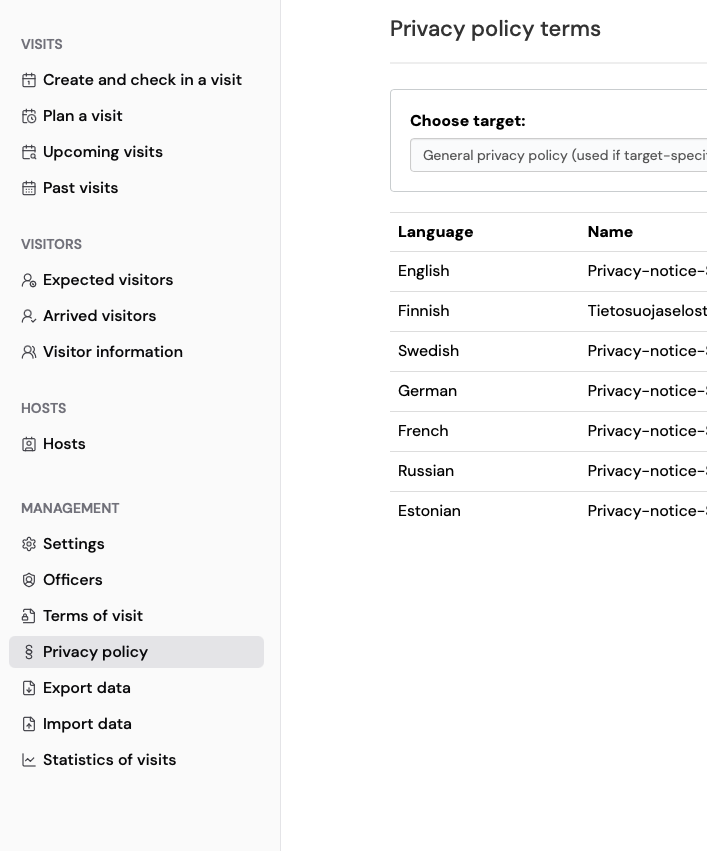
Privacy policy can be found from Management > Privacy policy.
Privacy policy is added per language as a PDF-file.
Adding or replacing the privacy policy
- Log in to RespaManager and go to Management > Privacy policy.
- Click Add next to the language you want (this replaces the existing file for that language, if there is one).
- In the window that opens, select the language and upload the privacy policy file (PDF) under Choose file.
- Click Save.
Each profile has its own privacy policy. An admin user sees and replaces the policy of their own profile. Lobby users and Systam also see the General privacy policy entry, which is used for profiles that have no privacy policy of their own.
If a visitor signs in in a language that has no privacy policy of its own, they are shown the policy in the system's default language, usually Finnish or English.
The Systam Visit service's customer data is stored in EU and managed by the companies by themself. The data is not shared or sold to third parties by Systam.
Systam may use/see the data for support purposes.
You can change the retention policy of the data with the admin user credentials. See instructions Retention policy for visitor data
Your privacy policy is live — visitors will see it on their next visit.
Was this article helpful?
That’s Great!
Thank you for your feedback
Sorry! We couldn't be helpful
Thank you for your feedback
Feedback sent
We appreciate your effort and will try to fix the article